To set the check-in and check-out times of your properties :
- Go to the properties page
- Click the ”…” menu on the property card.
- Choose “Property infos”
- In the form that appearead scroll to “Check-in” and “Check-out” fields. Update.
- Click “Save”
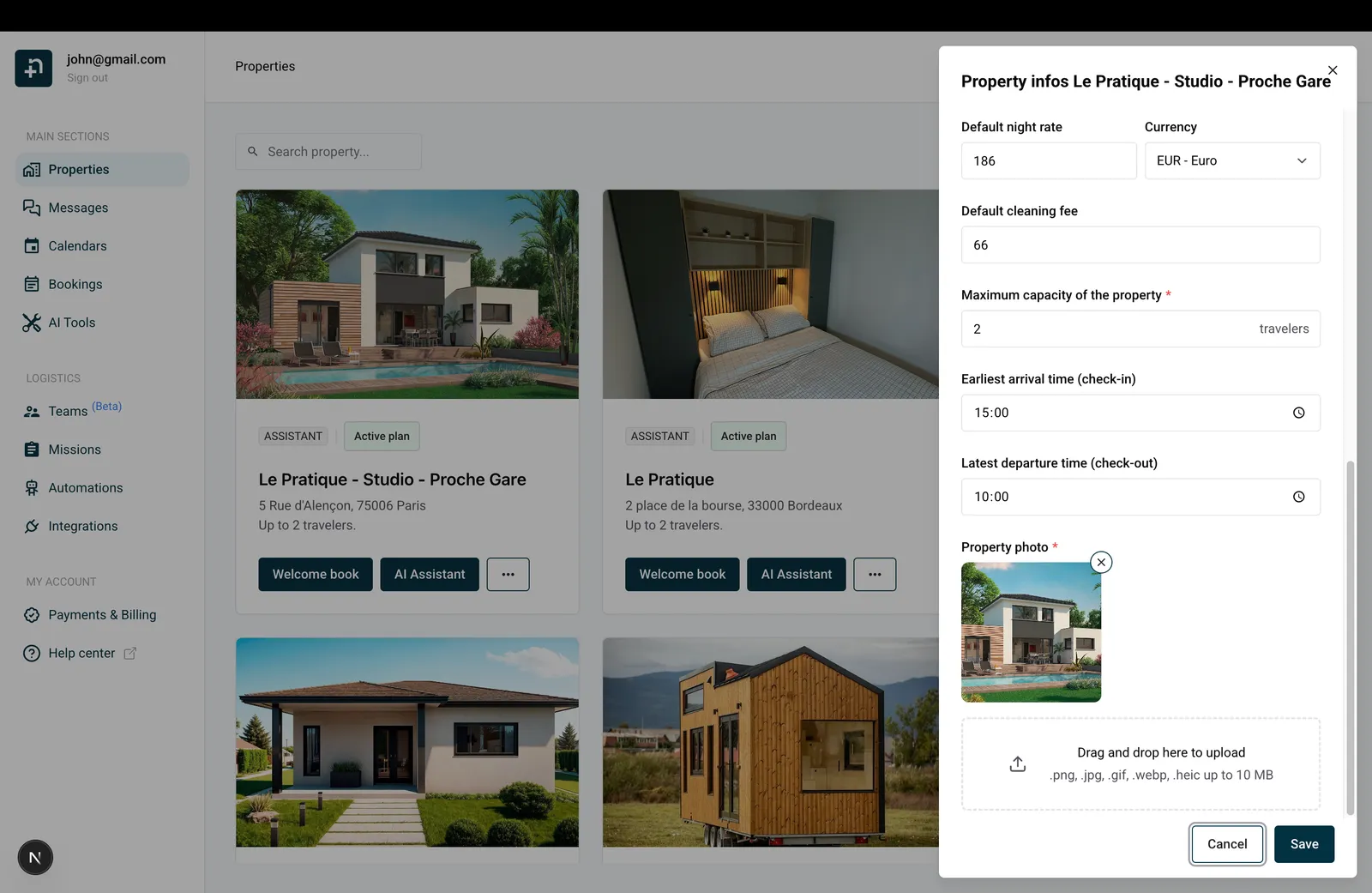
Done ! Now the missions automations will use these times to properly set the missions scheduled dates.
